
In order to develop a well-designed product, we first have to visualize the step-by-step process of how the user is going to complete the task that the designers wants to finish. In this specialized case, developing a flowchart is nearly crucial to creating a well-designed mobile app. As we navigate a potential New Hartford Companion App, we have to take a deep-dive into which features are most essential to our audience and continue to build the foundation of the app. But how exactly do figure out what “flows” (pun intended) and what doesn’t? The answer lies within user flows.
What are user flows? How do we create flowcharts?
According to SmartDraw, “A flowchart is a visual representation of the sequence of steps and decisions needed to perform a process.”
User flows and flowcharts help visualize the potential paths that a user may take when using a product. Similar to an treasure map which marks the path to gold, a good flowchart shows all possibilities on paper that gets them from start to finish. User flows help designers figure out potential pain points and help streamline navigation to provide a smoother experience.
As I take a deeper dive into developing a companion app for the Town of New Hartford, the next step after completing a redesign of the Information Architecture (IA) is to develop a flowchart.
about New Hartford Connect
The purpose of “New Hartford Connect” is to serve as a community hub where residents can find out about current events, news, and other useful information related to the town of New Hartford. The primary goal for this app is to improve civic engagement and increase efficiency for the town staff.
This mobile companion app aims to be a one-stop shop for all things related to the town of New Hartford! The app will feature tools such as receiving real-time alerts, ability to pay for bills and accessing the town’s online services all from your mobile device.
New Hartford Connect’s Main Features
Events & Community
- Explore town events, meetings, and other upcoming events.
- Discover local businesses, restaurants, and attractions
Town Services & Resident Resources
- Offer easy access to essential resources and town services such as trash and recycling schedules, schools, parks and rec opening hours.
Alerts & Notifications
- Provide quick access to important town announcements and emergency notifications such as road closures, weather alerts, etc…
Audience and User Needs
The primary audience for this app are New Hartford’s residents. Residents will benefit greatly from the app’s most up-to-date information. Another secondary audience that came about when thinking specifcally about New Hartford are a few Tourists that come visit during the winter months due to a major ski resort in the town.
As for needs, this app will serve as a central hub for information, all related to the town of New Hartford. Since it is a small town, this tool could be well utilized in maintaining a good relationship with the community as well as streamline some of the town’s responsibilities. Residents will feel more connected, informed, and be able to access its town resources much more efficiently.
user stories & Scenarios
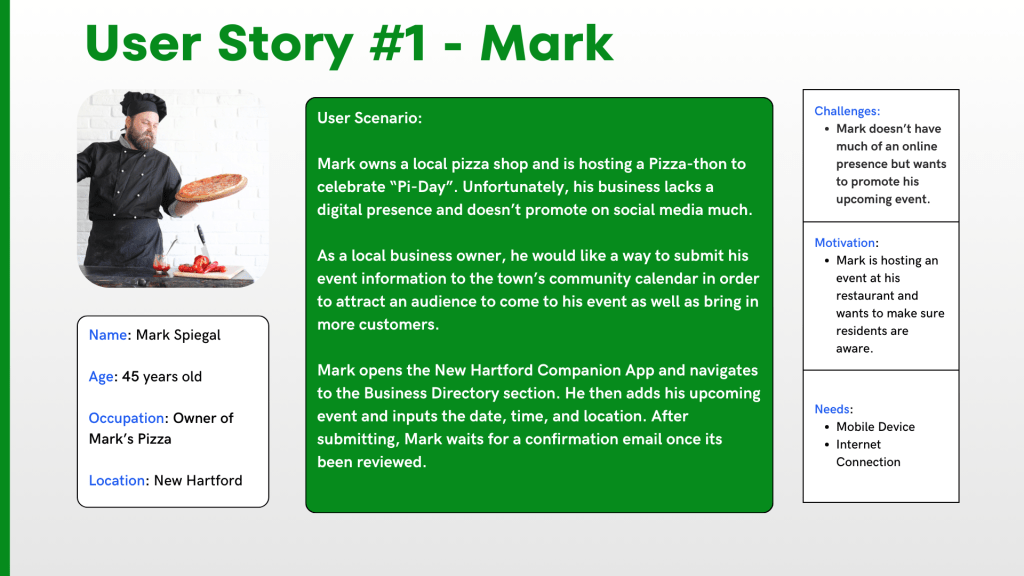
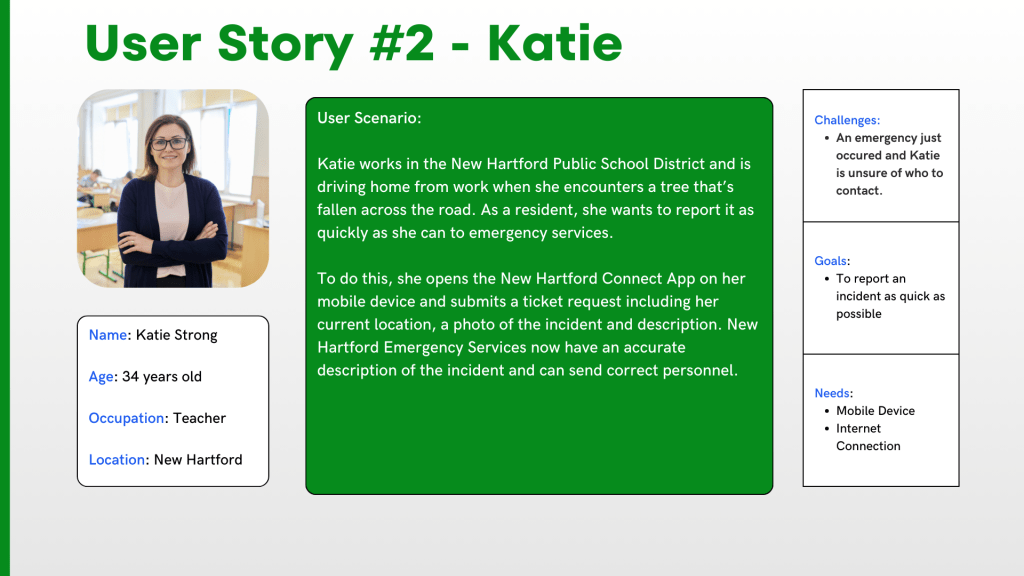
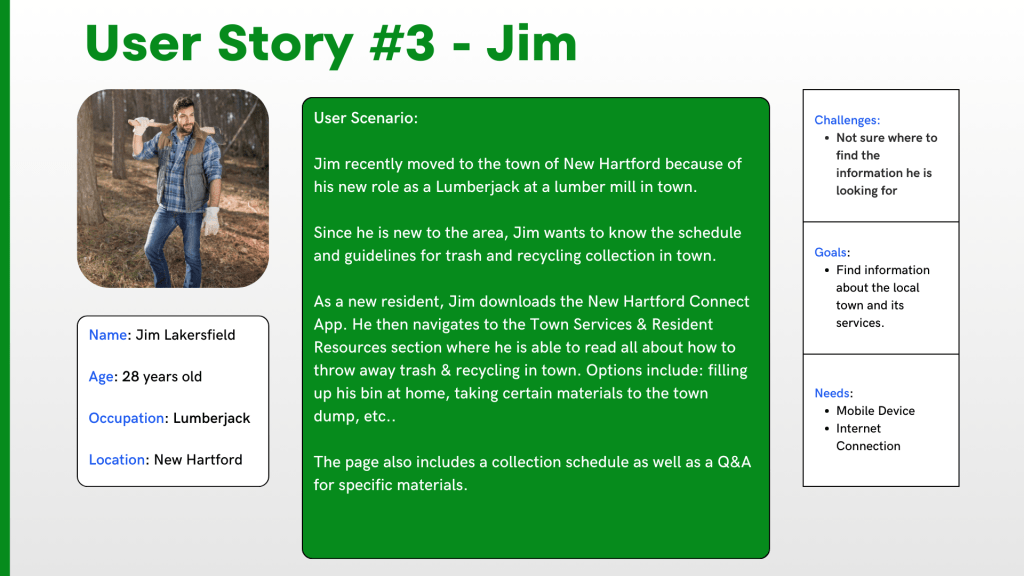
For this project, three major user stories were generated to develop the foundation of the app. Each User Scenario is listed below:
Mark
- Mark owns a local pizza shop and is hosting a Pizza-thon to celebrate “Pi-Day”. Unfortunately, his business lacks a digital presence and doesn’t promote on social media much.
Katie
- Katie works in the New Hartford Public School District and is driving home from work when she encounters a tree that’s fallen across the road. As a resident, she wants to report it as quickly as she can to emergency services.
Jim
- Jim recently moved to the town of New Hartford because of his new role as a Lumberjack at a lumber mill in town. Since he is new to the area, Jim wants to know the schedule and guidelines for trash and recycling collection in town.
Conclusion
Overall, creating user stories and a flowchart was a pleasant experience. It really put the once “just an idea” into a real visualization and helped me imagine what a real user would use this app for. By developing these user stories and scenarios, I can ensure that the app remains easy to navigate, meets the needs of our users, and streamlinse the services provided.
Although user flows look like “just diagrams”, they are a crucial building block to a successful app.
 Grow with Gao
Leave a comment